

 Italian


DigitalProfits24 on TradingView
Trade With DigitalProfits24 on Professional TradingView Charts
A Match Made in Heaven
-
Trade deep multi-asset liquidity on our advanced trading infrastructure with rapid execution and market-beating spreads
-
Benefit from TradingView’s powerful, feature-rich charting interface and make the most of every trade


Get Started in 3 Easy Steps
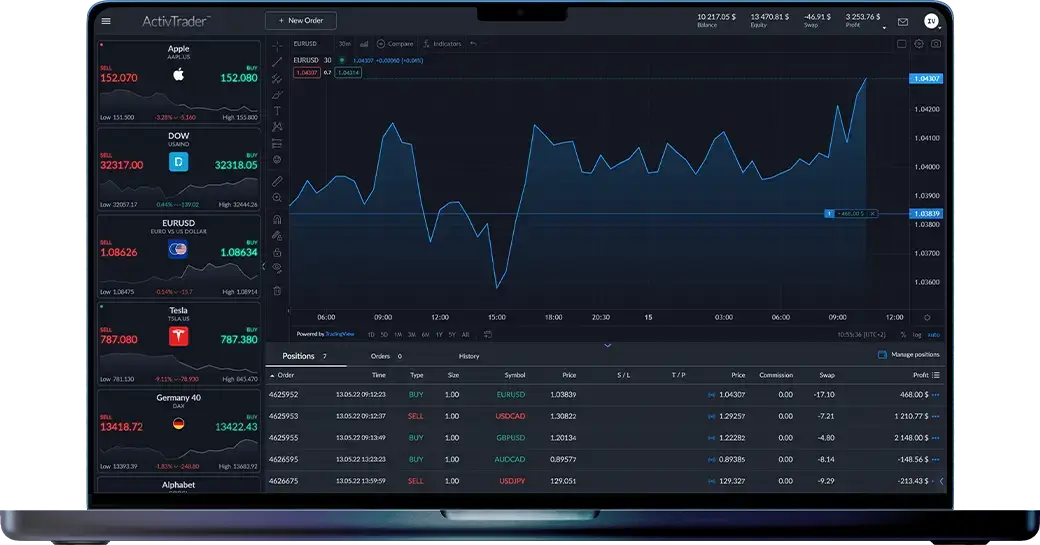
Connect your DigitalProfits24 account to TradingView and enjoy the best of both worlds
-
-
Step 2
Log in to TradingView.
Connect TradingView
In the "full chart view," press the "Trading Panel" tab at the bottom of the page. Select "DigitalProfits24" from the list.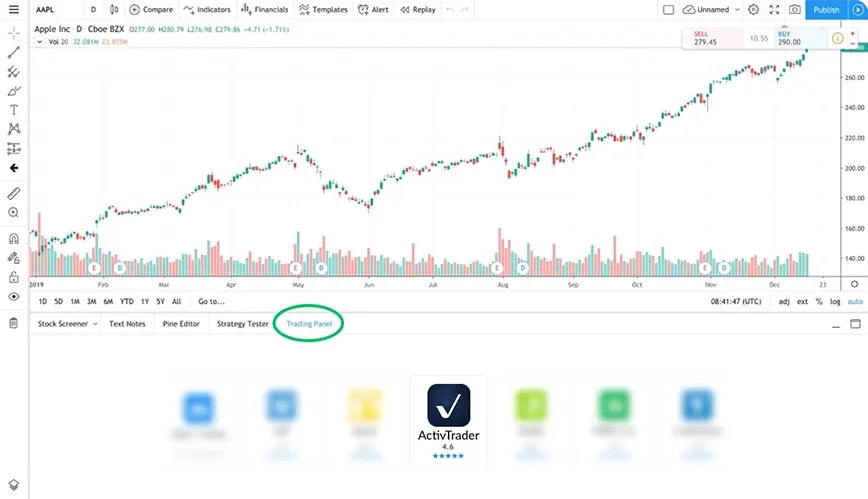
-
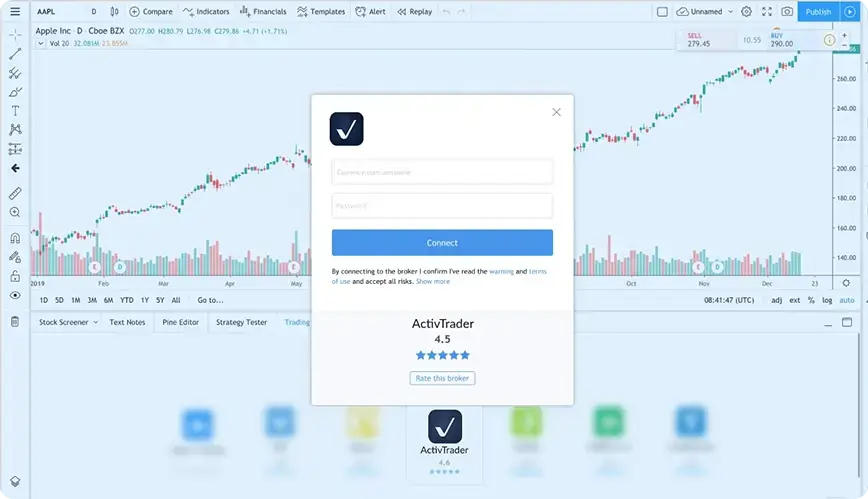
Step 3
Connect your accounts.
Connect TradingView
If you’re logged into your DigitalProfits24 account you will be prompted to authorise the connection. You have now connected DigitalProfits24 with TradingView!
Charting Has Never Looked This Good
Broaden your horizons with advanced charting tools from TradingView,
up-to-the-minute
news & discussions, and interact with over 30 million traders in real time.
-

12 different charts
Choose from 12 advanced chart types including Renko, Kagi, and Point & Figure.
-

8 charts per tab
Synchronize intervals, symbols, and drawings seamlessly.
-

Command search
Complete actions in seconds using global command reach.
-

Spreads
Create your own formulas and build custom spread charts.
-

Time frames
Access a wide range of timelines including seconds & range bars.